
React to photos on your frame
When a photo lands on your frame and makes you smile, you can react to it right there on the screen — a quick, warm way to let the sender know you saw it. Just tap while the photo is showing and choose the heart, and they'll get a notification straight away.
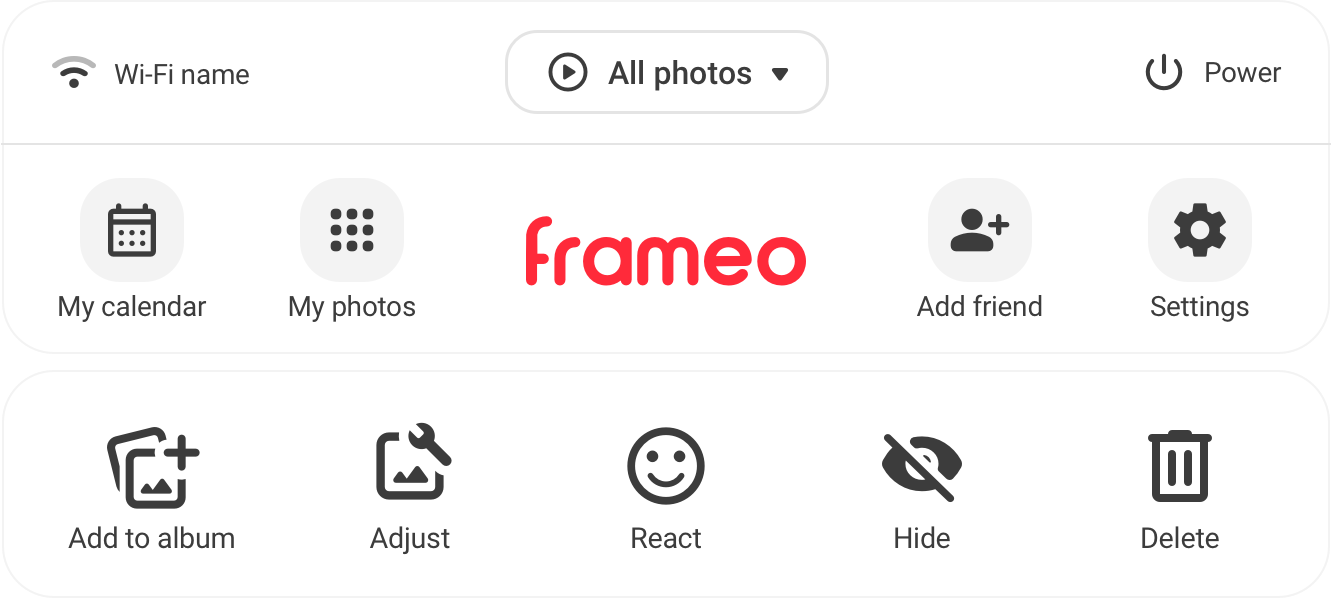
How to react
- Wait until the photo you want to react to is on screen.
- Tap the screen to bring up the options.
- Choose the heart.
The sender gets a small notification straight away — a simple way to say "I saw this, and it made my day."
Related articles
- How many photos can my frame hold?
- The clock and weather on your frame
- Send a video to your frame
- Change how long each photo shows
- Add a message or caption to a photo
Was this useful?