
Send a video to your frame
You can send short videos to your LuvLink Digital Photo Frame, not just photos — a great way to share a moment that's better in motion. It works through the Frameo app, exactly the same way you'd send a photo, and the clip plays right alongside your pictures on the frame.
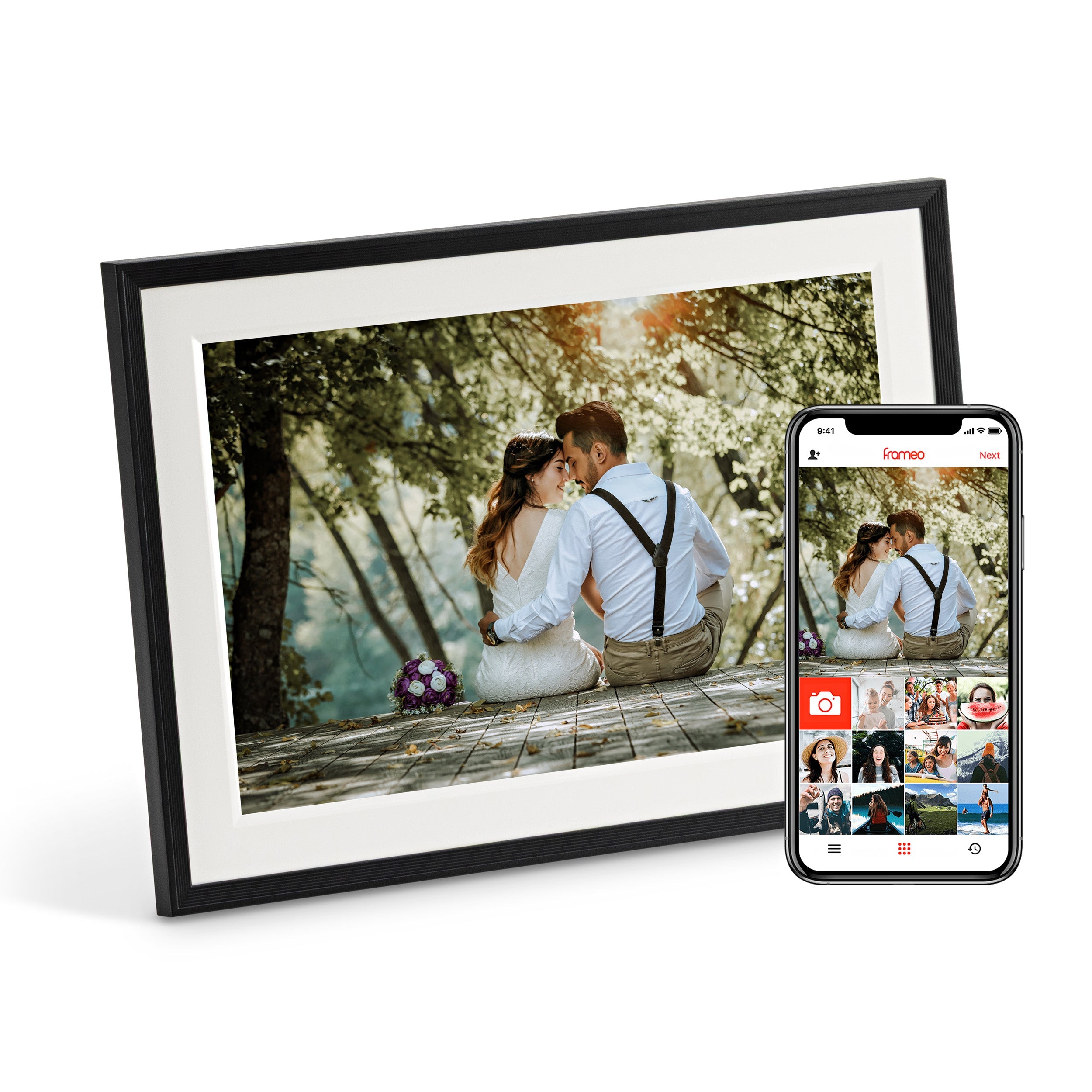
How to send a video
- Open the Frameo app on your phone.
- Select the video you want to send, just as you would a photo.
- Send it to the frame.
Keep it short
Videos can be up to around 15 seconds long. Pick a lovely little moment — a giggle, a wave, a quick hello.
Was this useful?