
The clock and weather on your frame
Your LuvLink Digital Photo Frame can show a clock and your local weather while it's on standby — handy if you'd like it to double as a bedside or shelf display. You can turn either feature on or off any time from the frame's settings.
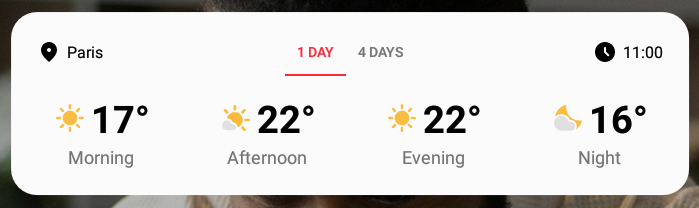
Turn the clock and weather on or off
- Open the Settings menu on your frame.
- Find the clock or weather (standby) options.
- Toggle each feature on or off, whichever you prefer.
Prefer a display that's all about your memories? Turn both options off and your frame will focus entirely on your photos.
Still stuck? Contact us and we'll help.
Related articles
- How many photos can my frame hold?
- Send a video to your frame
- React to photos on your frame
- Change how long each photo shows
- Add a message or caption to a photo
Was this useful?