
Resetting Your Password in the LuvLink App
Forgotten your LuvLink password? No problem — you can reset it straight from the app's login screen in a minute or two. Tap "Forgot Password?", enter your email address, then follow the link sent to your inbox.
Forgot your password?
You'll reset your password from the login screen in the LuvLink App. Make sure you use the same email address you used when you first set up your Friendship Lamp — that's what the reset link is tied to.
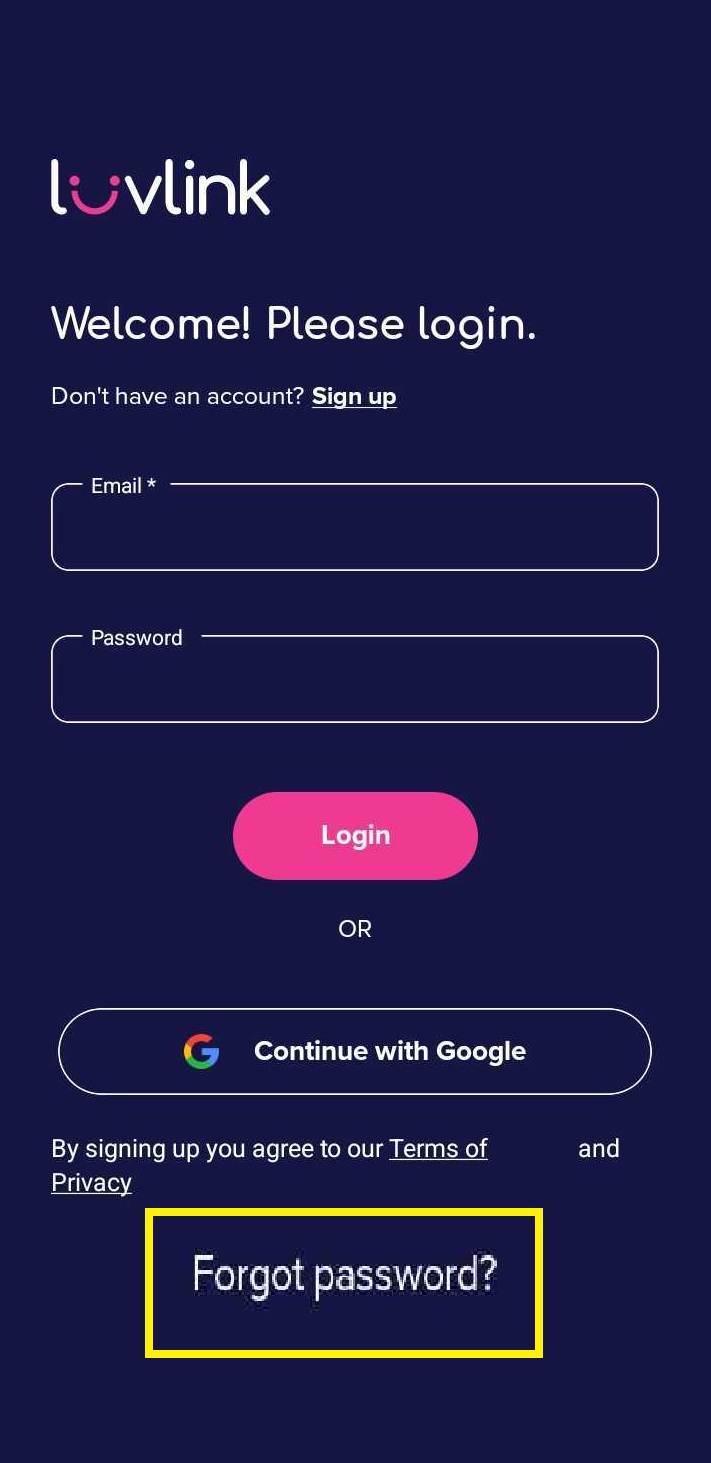
- Tap "Forgot Password?" on the LuvLink App login screen.
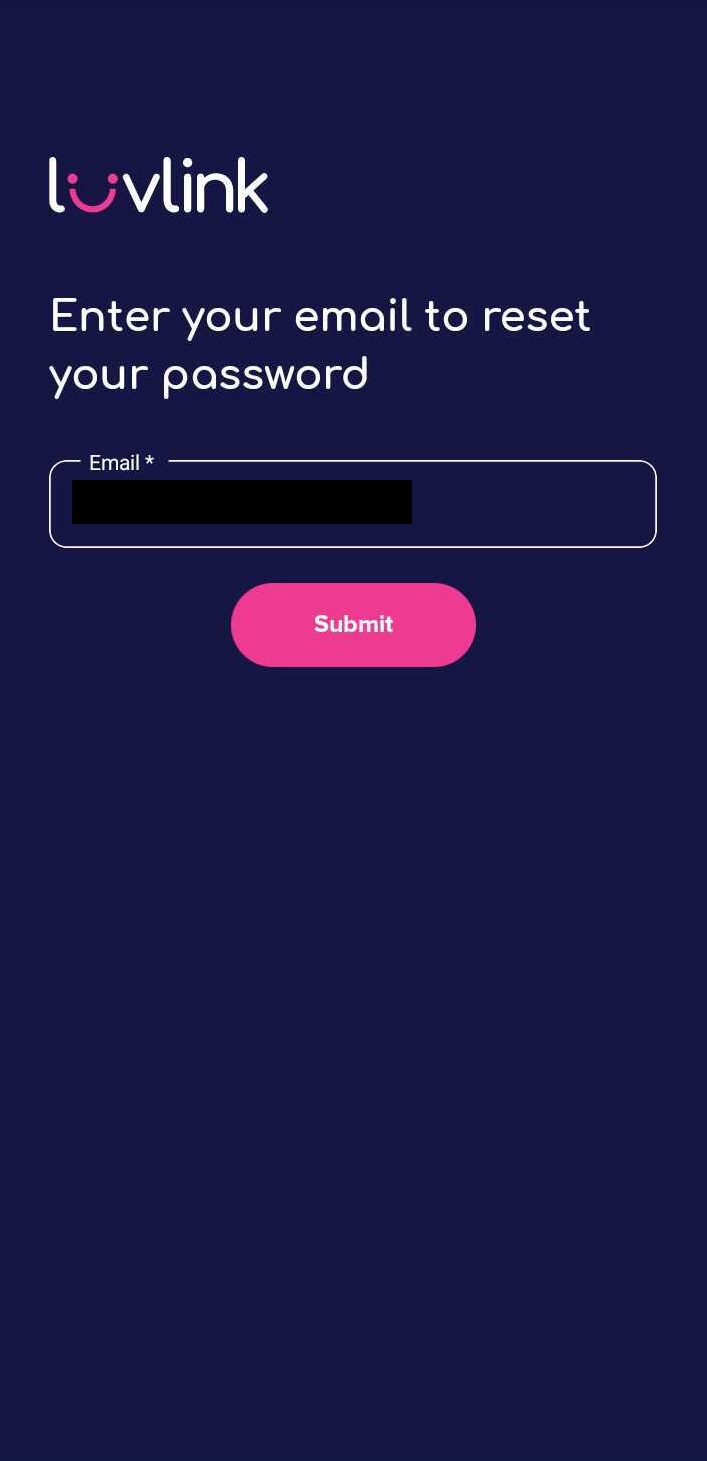
- Enter the same email address you used to set up your Friendship Lamp.
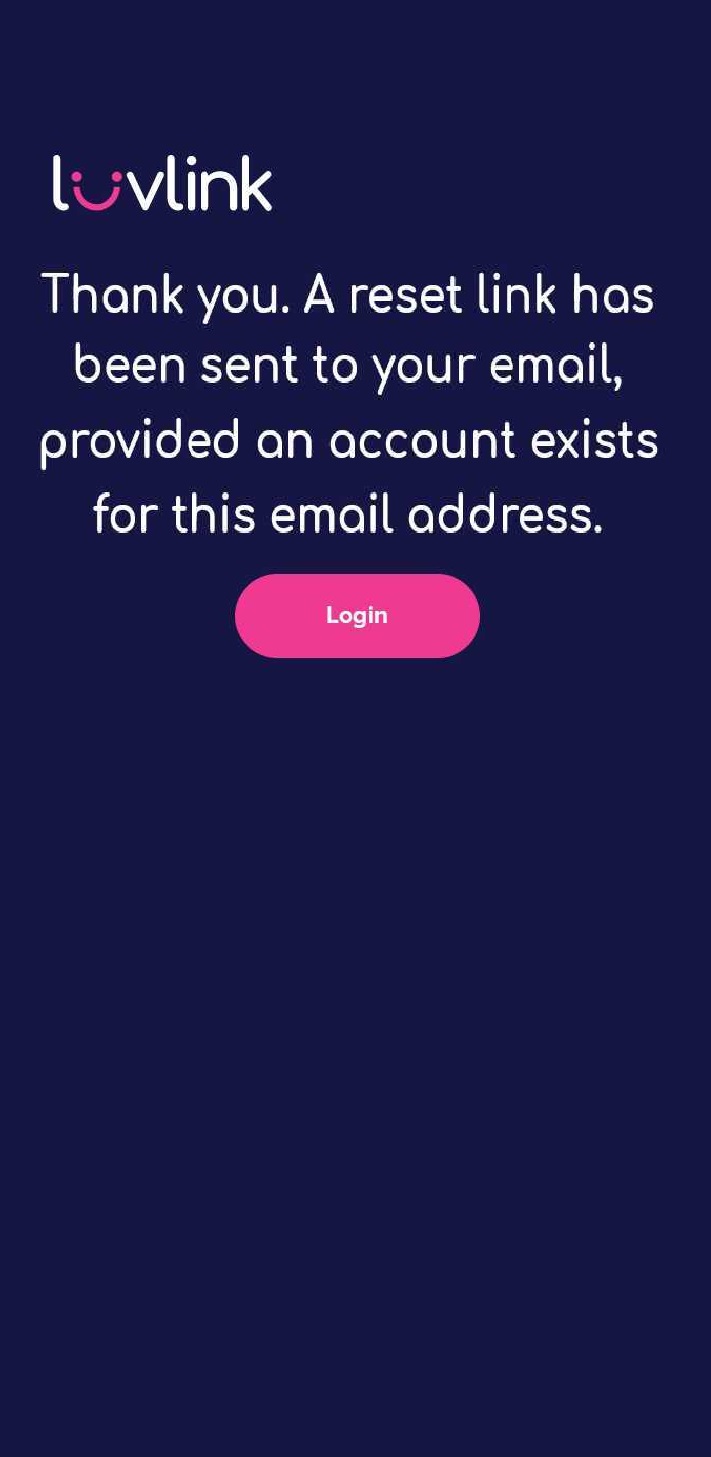
- Check your email inbox for the password reset link.
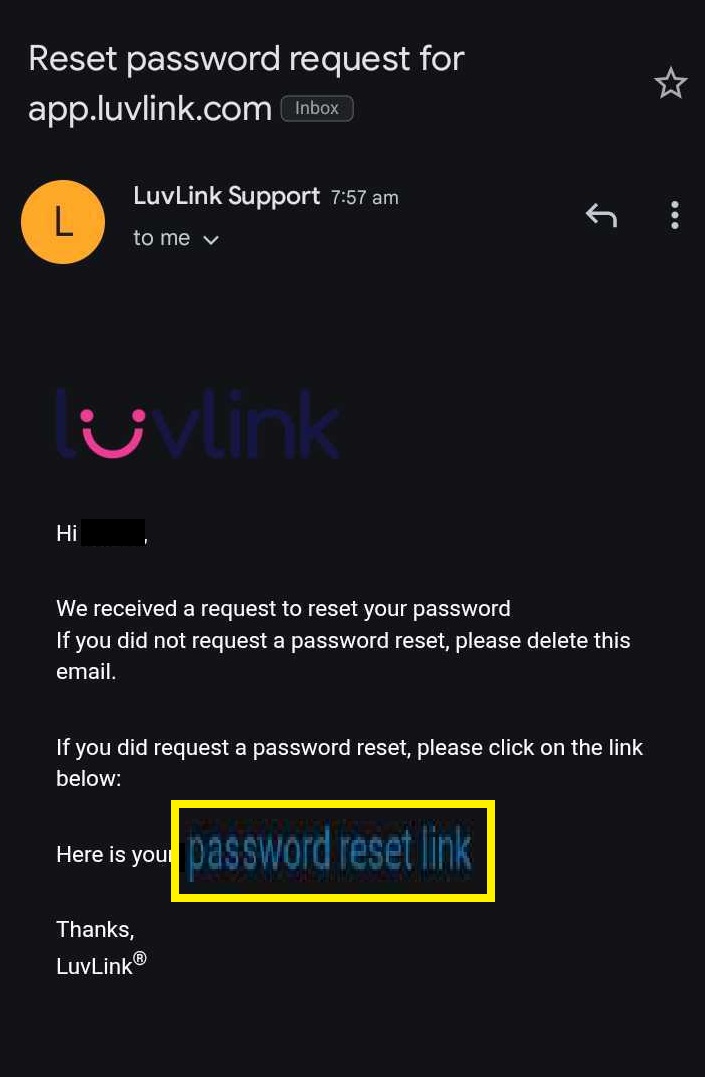
- Open the email on your phone and tap the link.
- Enter your new password and confirm it.
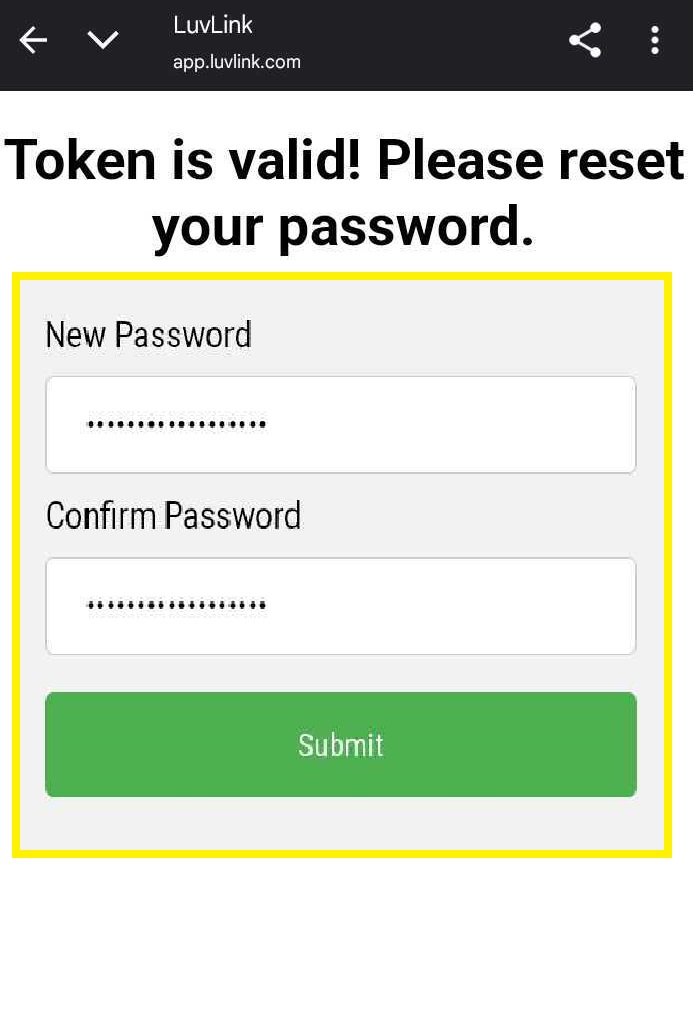
Pick a password that's easy for you to remember but hard for anyone else to guess, and save it somewhere safe so you don't have to go through this every time you log in.
Did you sign up with Google?
If you originally signed up using your Google account, you can't reset your password through the LuvLink App.
Instead, tap the Google login button on the login screen, and make sure you select the same Google account you used when you first signed up.
Not receiving the reset email?
If the email hasn't arrived yet, try these things:
- Check your spam or junk folder — it sometimes lands there.
- Wait a few minutes, as there can be a short delay.
- Still nothing? Try the steps in the "Getting an error?" section below.
Getting an error?
If something's going wrong, these quick fixes sort out most issues:
- Uninstall and reinstall the LuvLink App.
- Restart your phone to clear any background issues.
- Make sure you're on a stable Wi-Fi connection.
- If none of that helps, try logging in from a different phone.
Still need help?
If you've tried everything above and still can't get in, reach out to our Support Team through this contact form — we're happy to help you get back to staying connected with your Friendship Lamp.