
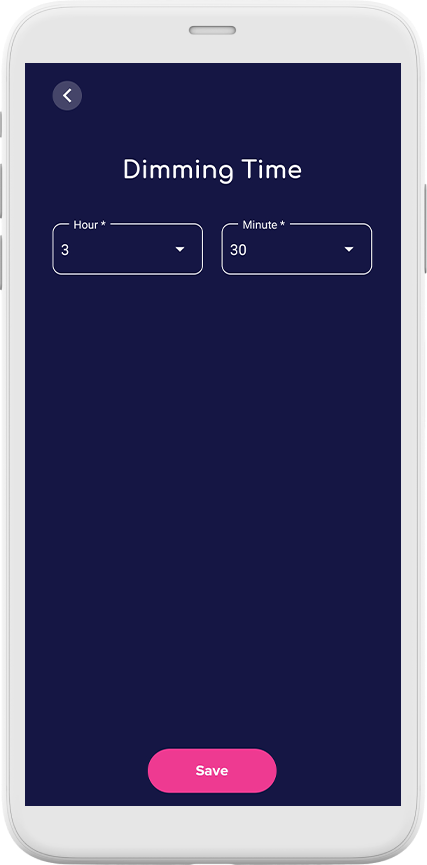
Dimming Time
When someone touches a Friendship Lamp, every lamp in the group pulses for about 30 seconds, then stays lit for 30 minutes before slowly dimming and switching off. The Dimming Time setting lets you stretch that on-time to anywhere from 30 minutes up to 23 hours — so a colour a loved one sent earlier can still be glowing when you get home.

How to adjust Dimming Time
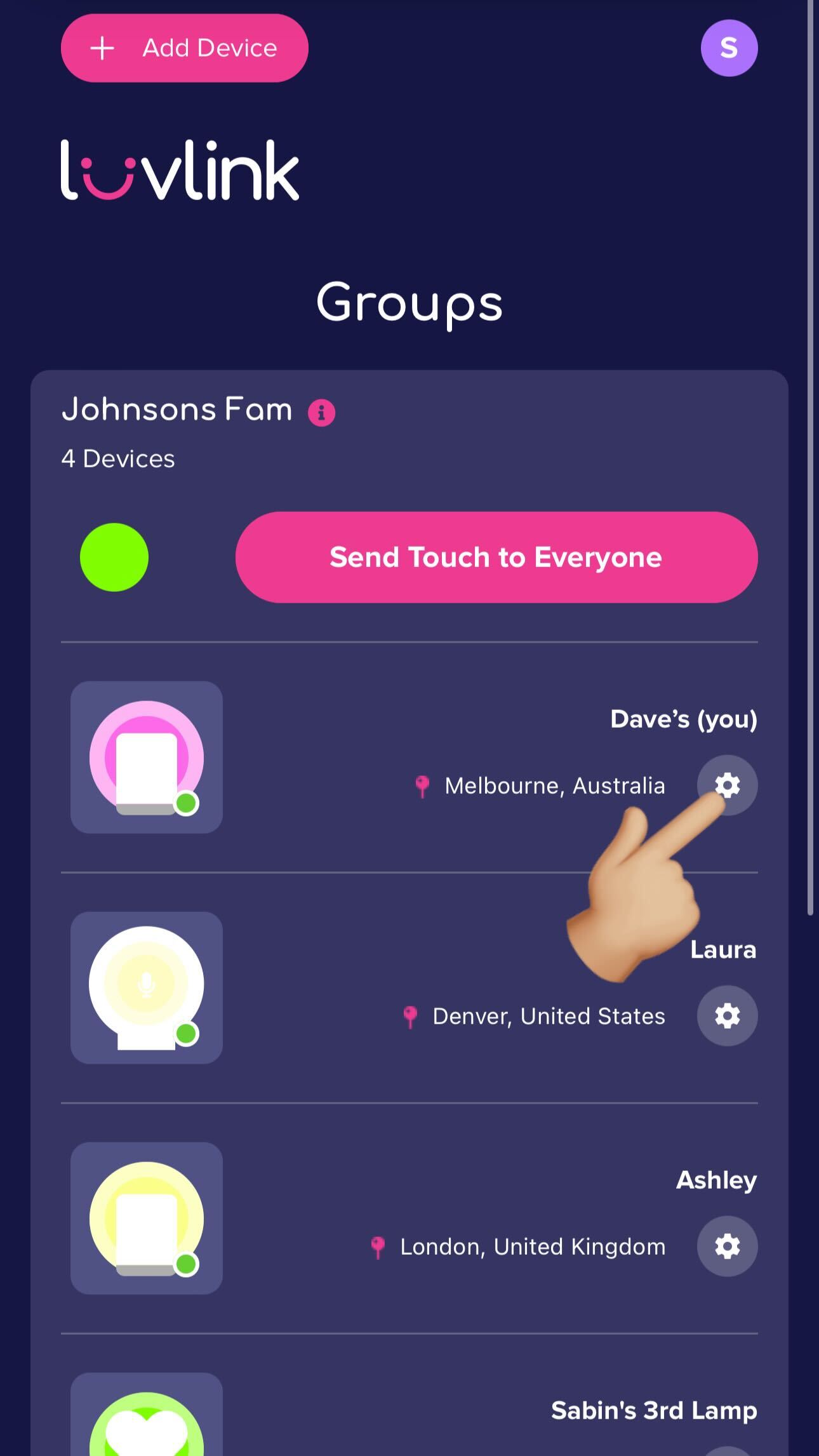
- Open the LuvLink app and tap the cog wheel to go into your lamp's settings.
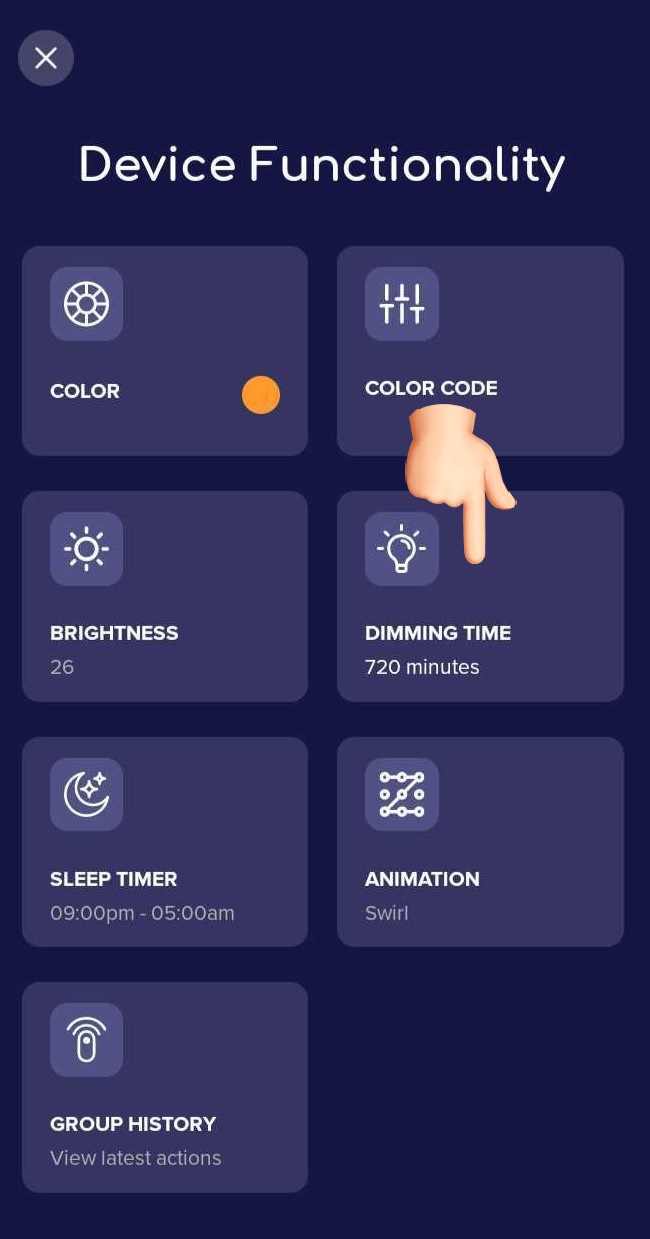
- Tap Dimming Time, then select your preferred hours and minutes from the dropdown.
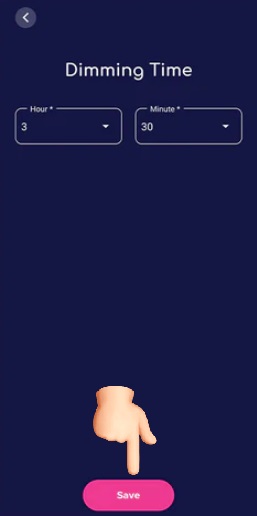
- Set the hours and minutes you'd like your lamp to stay on for, then tap Save.
What else can you customise?
You can also adjust how long the lamp pulses or flashes when a colour arrives, and the pattern in which colours are shown. The full guide is in the Creating Patterns article.
Still stuck? Our support team is happy to help — get in touch with us here.
Was this useful?