
Set a Sleep Timer
The Sleep Timer in the LuvLink app lets you set a start time, an end time, and a lower brightness level so your Friendship Lamp dims or switches off overnight — no effort needed. It's especially handy when your lamp group spans different time zones.
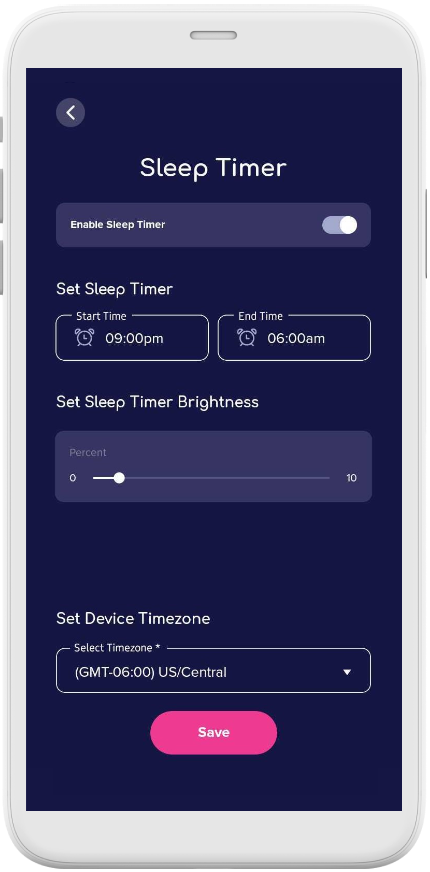
One thing to know: if anyone in your group touches their lamp — or sends a colour through the app — during your sleep hours, your lamp will turn back on as normal.
You can also turn your lamp off manually at any time by holding your hand on the top sensor plate for 2 seconds.
How to set a Sleep Timer
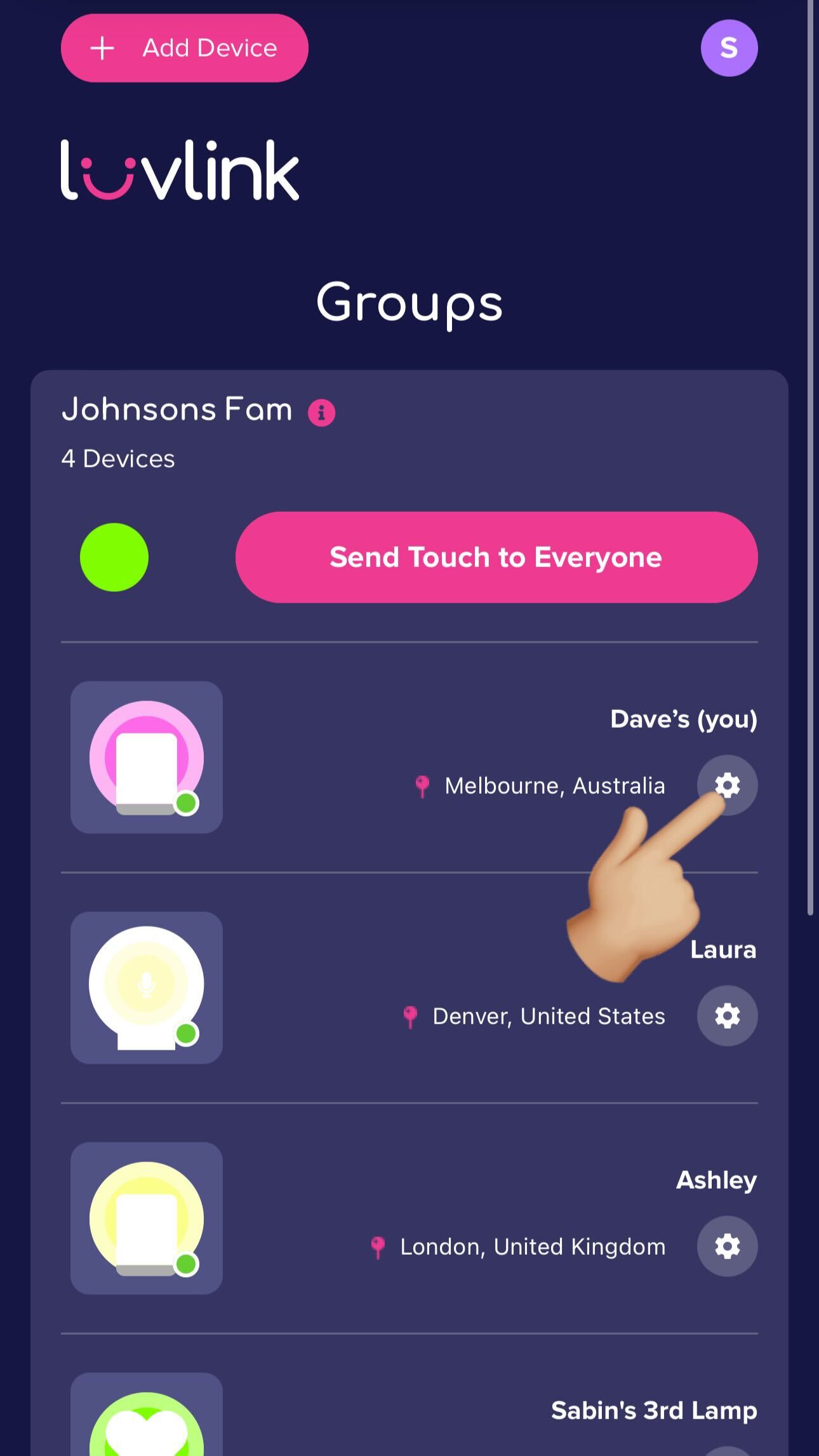
- Open the LuvLink app and go to your Friendship Lamp's settings.
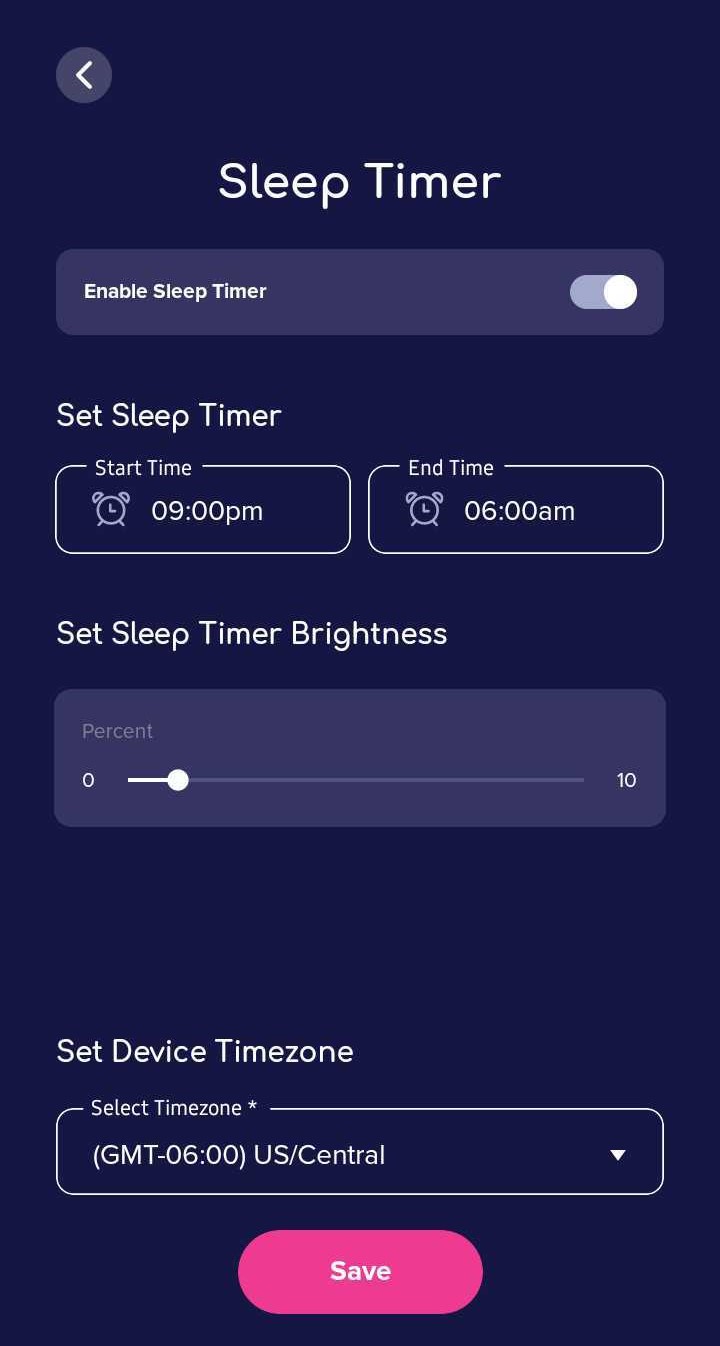
- Set your Start Time, End Time, and Sleep Timer Brightness level.
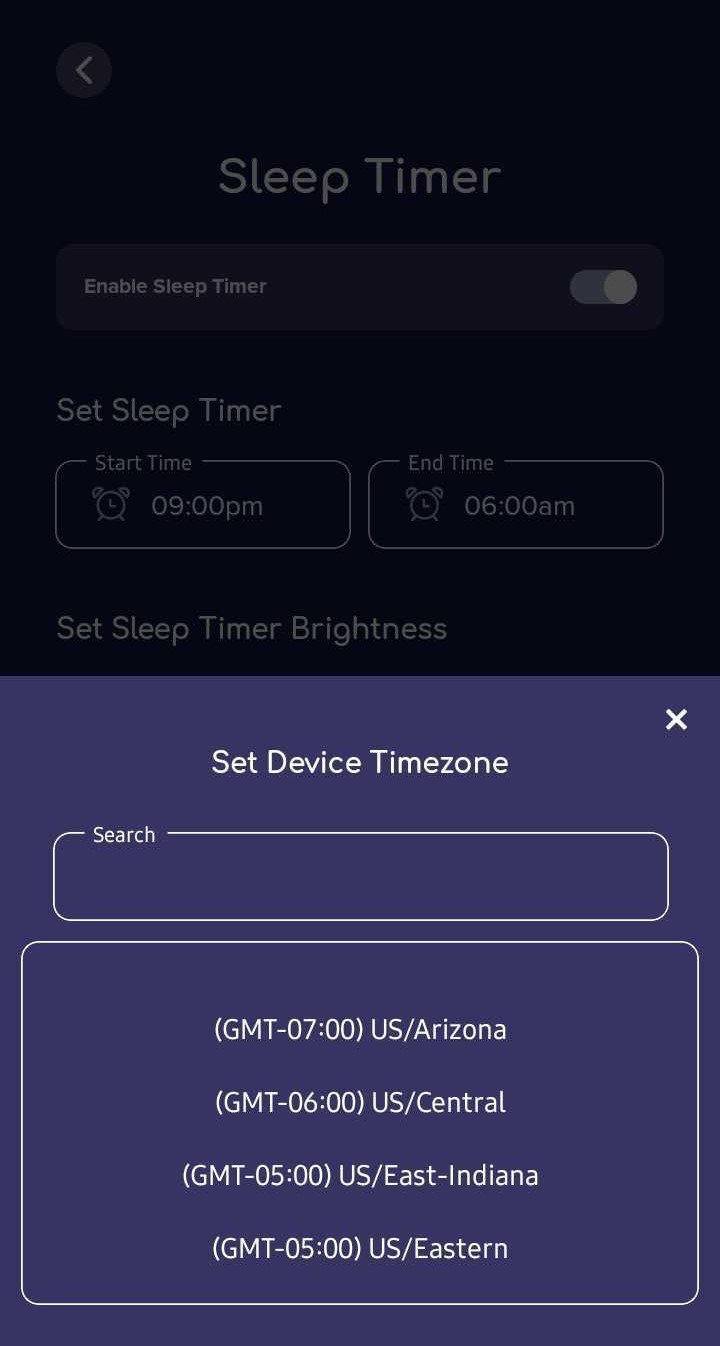
- Check that the Device Timezone is set correctly.
That's it — your lamp will follow the schedule you've set each night.
Still stuck? Our support team is happy to help. Fill out the contact form and we'll get back to you.
Was this useful?