
Get Notifications When Out and About!
You can get a phone notification every time someone in your LuvLink Friendship Lamp group sends a touch — even when you're away from your lamp. It takes two things: turning on Message Notifications in the LuvLink App, and making sure your phone allows notifications from the app. No matter where you are, you'll know the moment a friend or loved one is thinking of you.
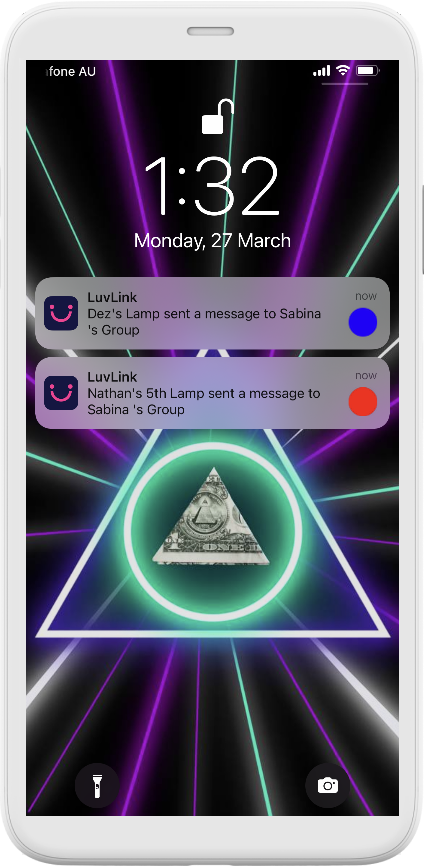
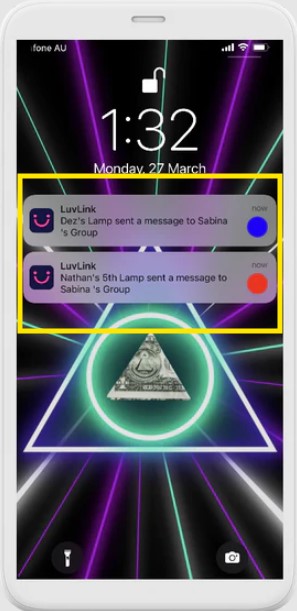
Turn on notifications in the LuvLink App
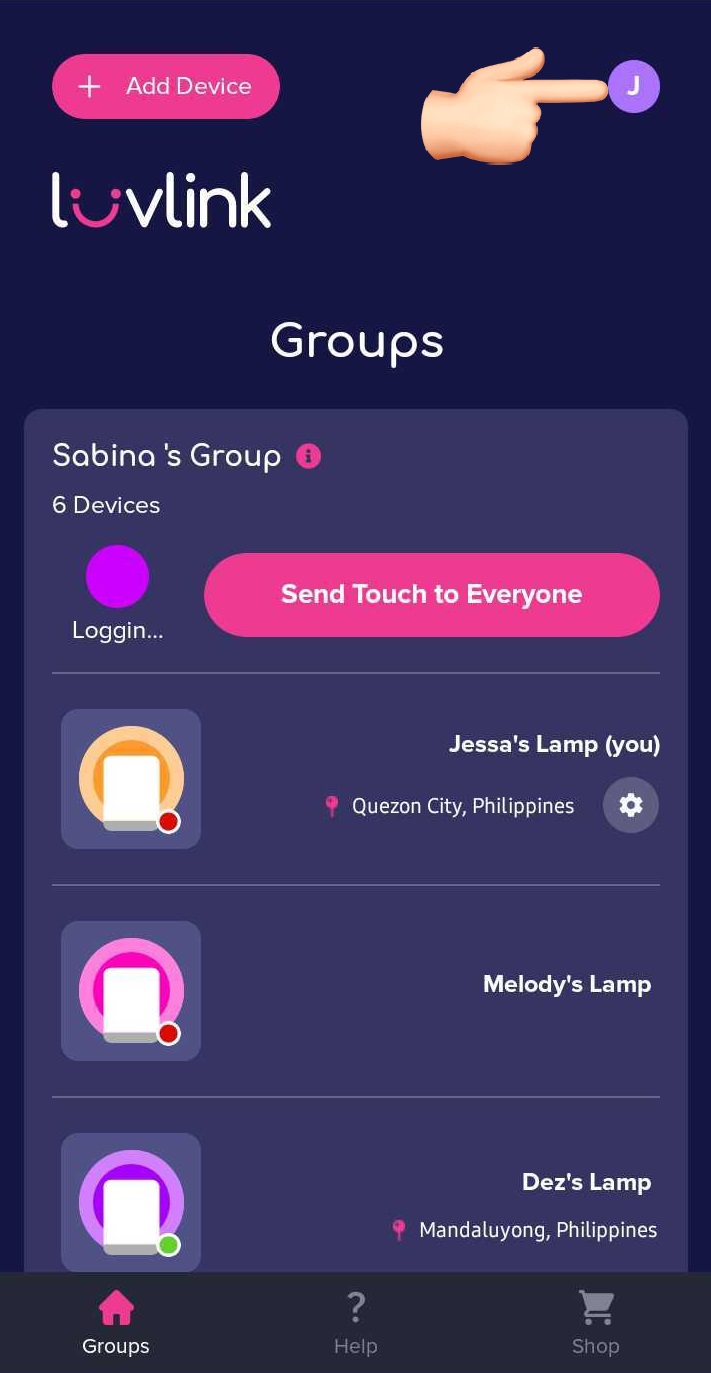
- Open the LuvLink App and go to your Profile Settings.
- Scroll down to Message Notifications and toggle it to On.
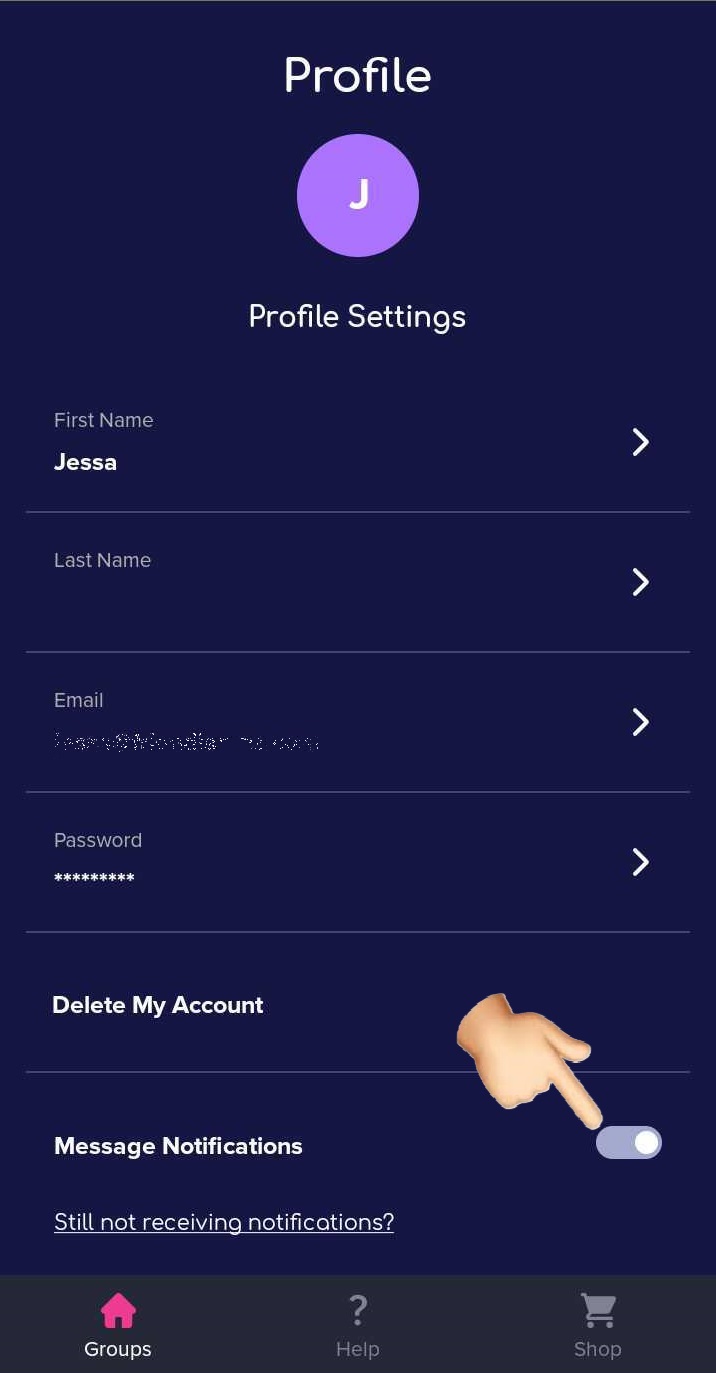
Note: you also need to allow notifications from the LuvLink App in your phone's settings, otherwise the notifications won't come through.
Allow notifications on your phone
On iPhone: Go to Settings > Notifications > LuvLink App > tap Allow Notifications.
On Android: Go to Settings > Notifications > App Settings > tap on the LuvLink App > toggle notifications On.
Still not receiving notifications? Reach out through our contact form and we'll help you get them working.