
Group History
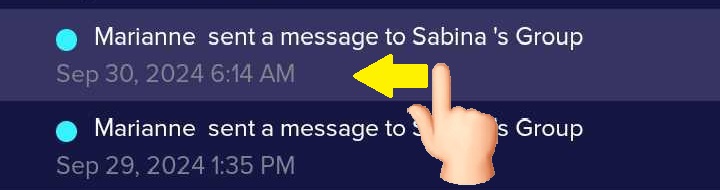
Group History is a log inside the LuvLink App that records every colour sent to your group of Friendship Lamps. If you were away from your lamp and missed an update, you can open the log any time to see what was sent — so you never miss a moment of connection.
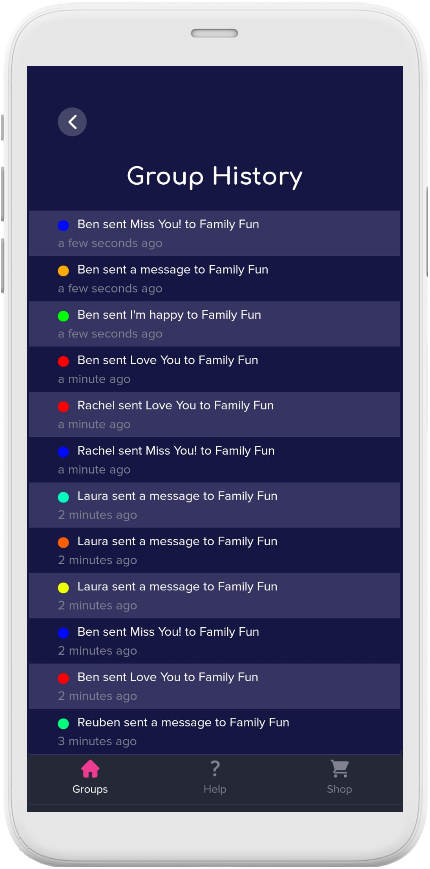
How to view your Group History
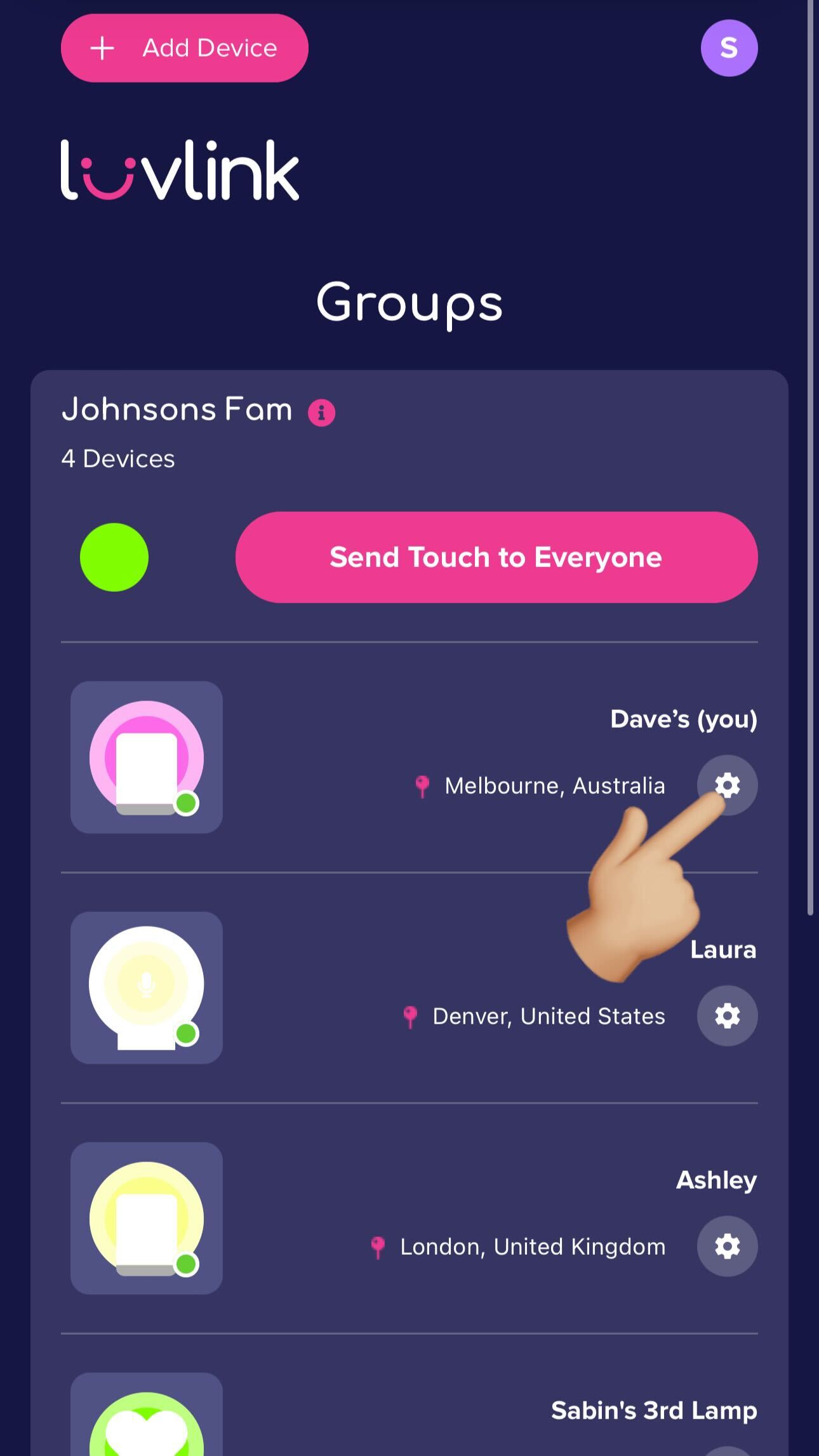
- Open the LuvLink App and tap the settings icon (the cog wheel) for your Friendship Lamp.
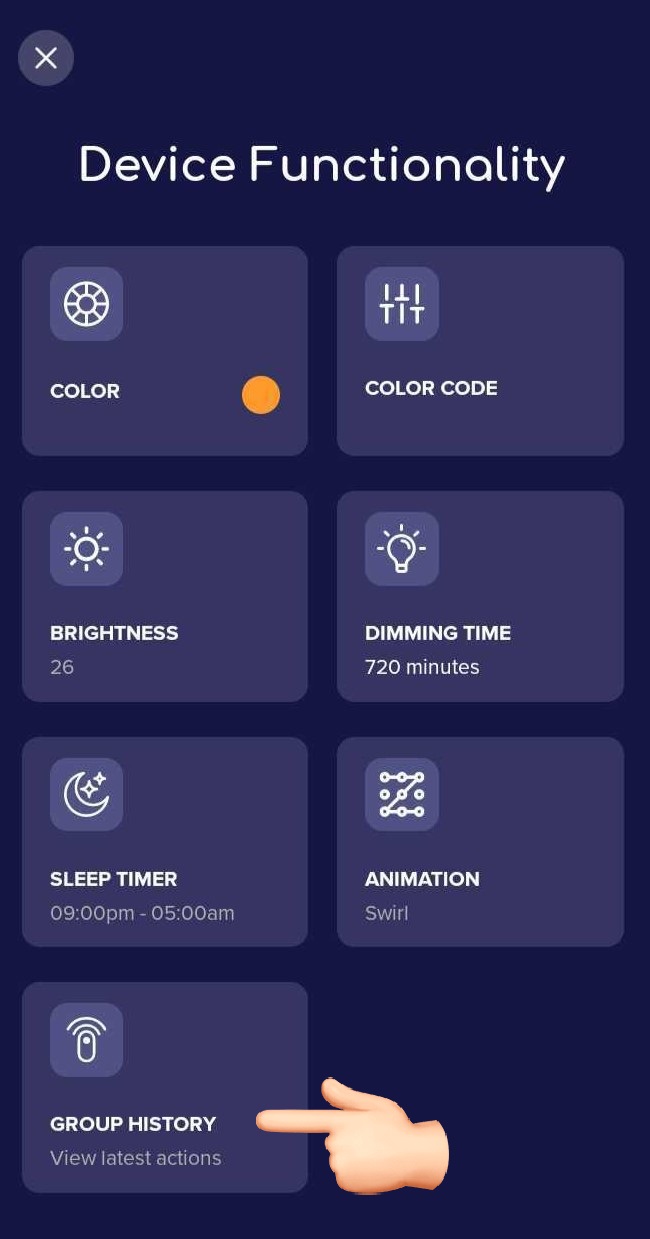
- Under Device Functionality, select Group History to see recent updates sent to your group.
How to delete an entry
To remove an entry from the log, swipe left on it and tap the trash bin icon.
Still have a question about Group History? Contact us and we'll be glad to help.
Was this useful?