
LuvLink App Setup
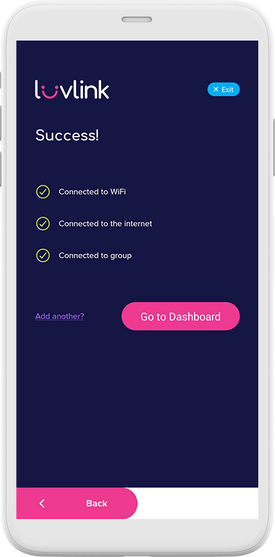
Setting up your Friendship Lamp is quick and easy with the LuvLink app. This article walks you through the whole process — from plugging the lamp in to seeing the three green ticks that mean it's ready to connect with your group.
How groups work — read this first
Your lamps talk to each other through a group. Everyone who wants to send and receive colors has to be in the same group, so one thing is worth getting right before you begin:
- One person creates the group. Only one. They get a GroupID — a short code like
yourname_ab12. - That person shares the GroupID with everyone else, by message or email.
- Everyone else chooses "Connect to an existing Group" and enters that same GroupID. They do not create one.
> If you each create your own group, your lamps will not be connected. Both lamps will work. Both will look correctly set up, with the three green ticks. But nothing will pass between them, because they are in different groups. This is the most common reason a new pair of lamps does not talk to each other — and it is invisible from inside the app, so it is worth checking first.
Setting a lamp up as a gift? Create the group on your own lamp, then send the GroupID along with the gift so the other person can join it rather than starting their own.
Not sure whether you already have a group? See Checking your GroupID — you can view it in the app without resetting anything.
Before you start
Make sure you have:
- Your phone within range of your Wi-Fi network
- The LuvLink app downloaded on your iOS or Android phone
- An account created
Setting up your Friendship Lamp
- Plug the lamp in using the USB cable — connect it to a USB charger or a laptop/PC.
- In the app, tap + Add Device.
- Choose Create a New Group if this is your first time setting up the lamps. If someone has already set up a group, choose Connect to an existing Group and enter the GroupID they shared with you.
- Creating a new group will automatically generate a GroupID. Copy it and share it with anyone you'd like to join your group.
- Put the lamp into setup mode by touching the top sensor for 3–5 minutes — it will glow a dim red when it's ready. Then select the lamp that appears in the app (Android users), or enter the MAC ID found on the sticker on the base of the lamp (iOS users). Tap Connect.
- Select your Wi-Fi network from the list, enter your password, and tap SAVE.
- Wait while the lamp connects and completes setup. You'll see 3 ticks in the app once it's done.
- If you're joining someone else's group, your lamp will turn yellow and you'll need to wait for the Admin to approve you.
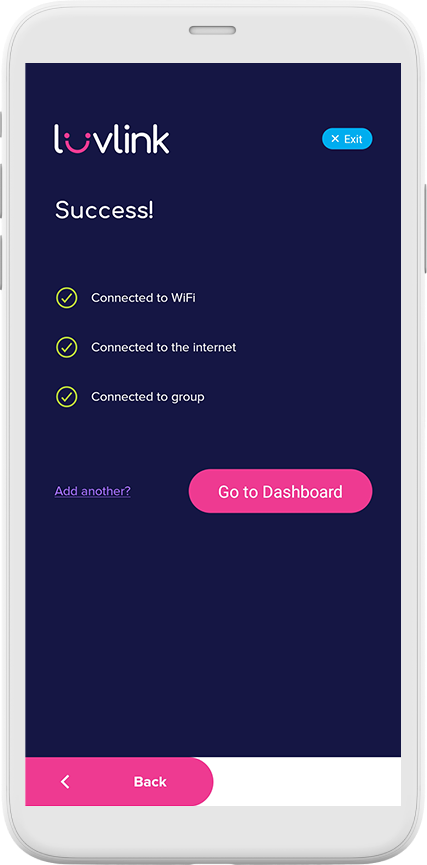
Once setup is complete, the lamp will swirl green when it connects to your Wi-Fi — that means it's ready to communicate with others in the group.
What you can do in the app
The LuvLink app is your control center for the lamp. From it you can:
- Set up devices
- Manage your group
- Change the lamp color
- Create Color Codes
- Extend the Dimming Time
- Adjust Brightness and Dimness levels
- Set a Sleep Timer
- Create or join GroupIDs
- Connect to a second group
- Update device information
- Manage time zones
- Enable Message Notifications
- Update firmware
Still stuck?
If setup won't complete, see How to use your Friendship Lamp or the full LuvLink App Setup Guide. You can also contact us and we'll help.